Guide
How to print digital wall art
Which file to choose for your frame, which paper to use, printer settings that keep the size right, and what to ask a print shop. A practical guide for printable art.
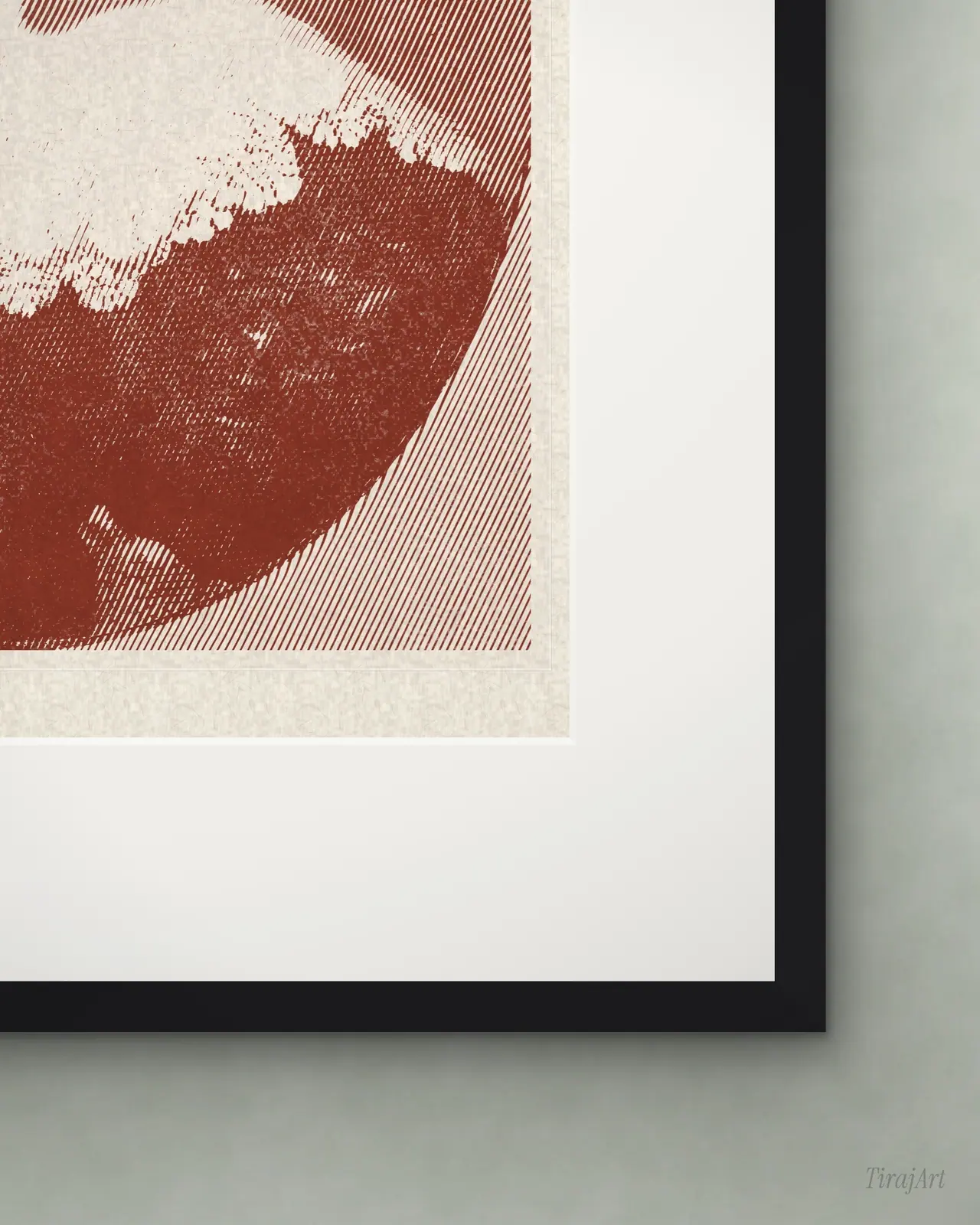
Every TirajArt print comes as five JPEG files. Each one is cut to a different proportion, so whatever frame you have, one of them fits without white bars or awkward cropping.
1. Pick the file for your frame
- 2:3 for 4×6, 8×12, 12×18, 16×24, 20×30 and 24×36 in.
- 3:4 for 6×8, 9×12, 12×16 and 18×24 in.
- 4:5 for 4×5, 8×10 and 16×20 in.
- 11:14 for 11×14 in.
- ISO A for A5, A4, A3, A2 and A1.
If your frame has a mat, use the size of the mat opening, not the frame.
2. Choose the paper
Use a heavy white matte paper, 200 gsm or more: archival matte, fine-art cotton rag or a matte photo paper. Avoid glossy paper; it fights the texture of the print. The paper colour you see on screen, cream, washi or kraft, is already part of the file, so the paper itself should be white.
3. Printer settings
- Print at 100% / actual size. Turn off “fit to page” and “borderless” scaling, or the picture will be enlarged and cropped.
- Set the paper type in the printer dialog to the paper you load, so the printer lays down the right amount of ink.
- Let the printer manage colour and choose the highest quality setting.
4. At a print shop or online printer
Send the matching file and ask for a matte or fine-art print at the exact size, with no cropping or resizing. Large sizes (from 16×20 in or A2) usually look better from a shop than from a home printer. Every file has the pixels for 300 dpi at its largest listed size (some large files are 200–285 dpi to stay under Etsy’s 20 MB limit). The museum images behind most prints are about 2,000–3,900 px on the long side, so the sharpest results come at medium sizes, around 16×20 in or A3; many listings name their best size. Big prints still look good on the wall.
5. Colours
Screens glow and paper reflects, so a print always looks a little darker and softer than the screen. That is normal. If you want to check, print a small size first: the free print costs nothing and prints the same way as every file in the shop.